


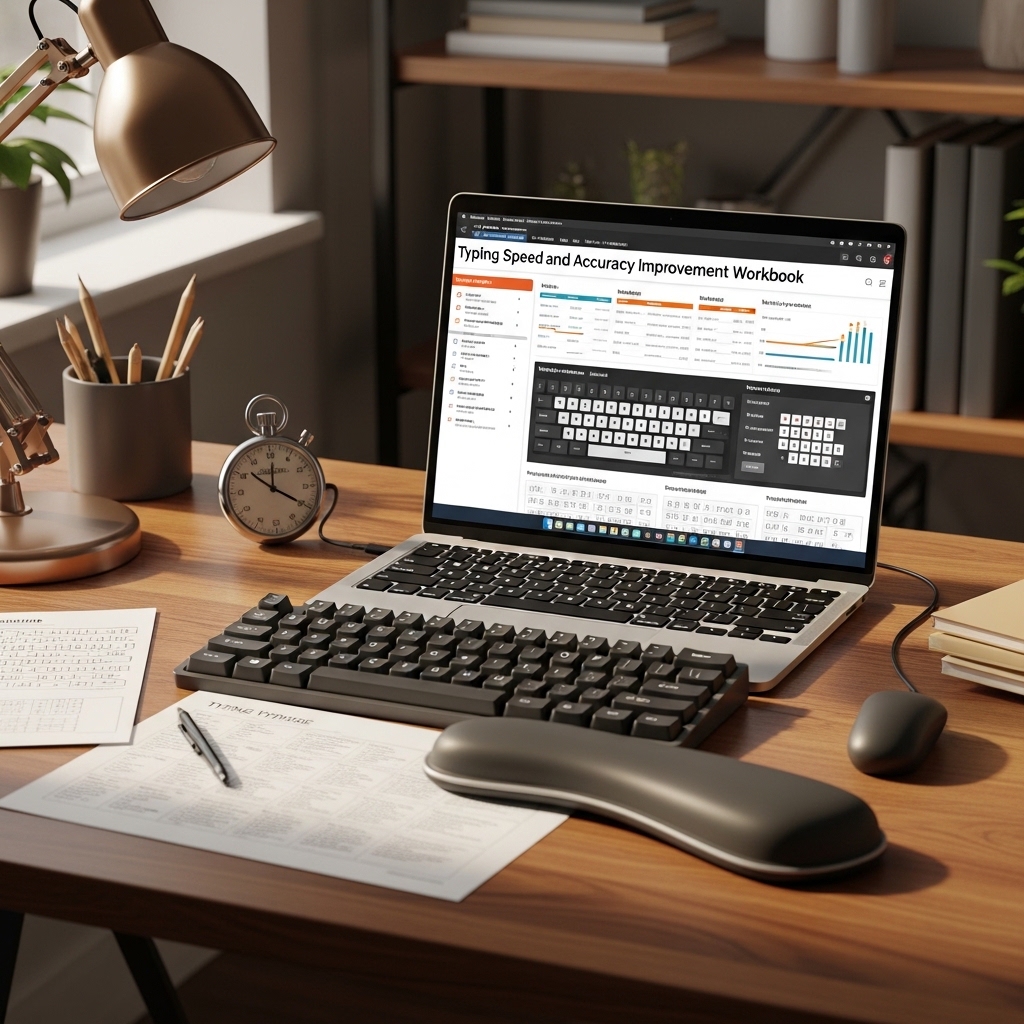
Typing Speed and Accuracy Improvement Workbook
The Structured Practice System for Administrative Professionals Who Need Faster, More Accurate Typing — Not Just More Typing
⌨️ THE UNCOMFORTABLE ARITHMETIC OF SLOW TYPING
You type approximately 40 words per minute. The average professional administrative task requires typing roughly 2,000 words per day — emails, documents, notes, correspondence, data entry.
At 40 WPM: approximately 50 minutes of active typing per day.
At 65 WPM — the professional standard for most administrative roles: approximately 31 minutes.
At 80 WPM — senior EA and high-output administrative standard: approximately 25 minutes.
That gap — 50 minutes versus 25 minutes — is 25 minutes per day. 125 minutes per week. Approximately 100 hours per year, recovered or lost, depending entirely on typing proficiency.
And that calculation does not account for the accuracy dimension. A typist who averages 40 WPM with 95% accuracy generates roughly 2 errors per page. An administrative document with 2 errors per page that reaches the wrong recipient, or is filed in that condition, or goes to a client — that is a different kind of cost entirely.
Speed and accuracy together determine professional output quality. Both are trainable. Neither improves meaningfully from unstructured typing practice — from just typing more. They improve from deliberate practice targeting the specific patterns where your current performance breaks down.
This workbook delivers that structure.
📥 Instant digital download. Begin structured practice immediately.
HOW THIS WORKBOOK IS DIFFERENT FROM JUST USING A TYPING WEBSITE
Three things online typing tools cannot do that this workbook does:
① Diagnose before prescribing. Online typing tools practice general typing. This workbook opens with a diagnostic assessment that identifies your specific breakdown patterns — the keys you consistently mistype, the finger movement habits that cap your speed, the common keystroke sequences where accuracy drops. The practice that follows is targeted to your actual weaknesses, not a generic improvement curriculum.
② Build administrative-specific vocabulary. Typing “the quick brown fox” faster does not improve your speed on administrative terminology, proper nouns, technical vocabulary, or the specific keystroke patterns common in business correspondence. This workbook’s practice texts are drawn from real administrative content: business letters, meeting minutes, calendar entries, reports, data tables, and professional emails. You practice the typing you will actually do. 💼
③ Track progress systematically. Random practice produces random improvement. This workbook tracks your words-per-minute and accuracy rate by session, by week, and by practice type, so you can see precisely where improvement is happening and where additional focus is needed. The progress chart that shows the trajectory — not just where you are but where you are headed.
THE WORKBOOK STRUCTURE — PHASE BY PHASE
PHASE ONE: DIAGNOSTIC AND BASELINE ESTABLISHMENT
Three timed typing assessments establishing your baseline across three dimensions: raw speed, accuracy rate, and administrative vocabulary fluency. The diagnostic error analysis identifying your most frequent mistyped characters and the movement patterns that produce them. Your personal “priority practice” list — the specific keys and sequences this workbook’s exercises will weight most heavily.
PHASE TWO: TECHNIQUE CORRECTION
For typists who have developed habits that cap their speed: the technique module. Correct finger positioning for the home row. The reach pattern for each key from home position. The common compensating habits that feel fast but create accuracy problems at higher speeds (the most common: using the dominant hand for keys that should be shared between hands). The technique exercises that rebuild finger independence and positioning accuracy. 🖐️
This phase is not for everyone — typists with correct technique skip to Phase Three. The diagnostic assessment tells you whether Phase Two applies to you.
PHASE THREE: SPEED DEVELOPMENT
The structured speed development program: eight weeks of progressive practice sessions. Each session has a target WPM for completion, a practice text drawn from administrative content, and a specific technique focus. The principle: you practice slightly above your comfortable speed, which creates the productive discomfort that drives improvement, then consolidate at the new level before increasing again.
The session structure: warm-up (five minutes of familiar content at comfortable speed), focused speed run (three timed sessions at target speed with the same text), error analysis (the identification of which errors occurred and whether they are random versus patterned), and cool-down (two minutes of familiar content confirming the baseline before closing). ⚡
PHASE FOUR: ACCURACY PRECISION TRAINING
Speed without accuracy is not professional proficiency. The accuracy training module targets the specific error types identified in the diagnostic assessment: transposition errors (swapping adjacent characters), reach errors (mistyping because of imprecise finger positioning on distant keys), rhythm errors (accuracy drops when typing at inconsistent pace), and fatigue errors (accuracy drops after sustained periods of high-speed typing).
Targeted drills for each error type. Progress tracked separately from speed to ensure accuracy is not sacrificed for speed gains.
PHASE FIVE: ADMINISTRATIVE CONTENT MASTERY
The final phase: sustained practice on the specific content types that make up administrative professional typing work. Extended practice texts in each category:
📧 Business correspondence (letters, emails, professional responses) 📋 Meeting documentation (agendas, minutes, action item records) 📊 Data entry formats (tables, lists, structured records) 📄 Report and document sections (executive summaries, procedure guides) 📞 Telephone message and note formats
Each category presents ten progressively longer practice texts with difficulty scaled to challenge without overwhelming.
THE PROGRESS TRACKING SYSTEM
Every session logged: date, practice type, WPM achieved, accuracy percentage, primary error patterns noted, and the session target for next time. The cumulative progress chart that shows the improvement trajectory across the full program. The milestone markers — the professional speed benchmarks at 50, 65, 80, and 100 WPM — and the estimated session-count to reach each one based on current improvement rate. 📈
📂 COMPLETE FILE LIST
⌨️ Complete workbook PDF (all five phases, all practice texts, print-optimized) | 📊 Progress tracking spreadsheet with auto-generated charts (Excel + Google Sheets) | 🖐️ Technique correction guide with illustrated hand positioning (PDF) | 📝 Administrative content practice text library — 50 texts across 5 categories (PDF) | ✅ Diagnostic assessment with error pattern analysis guide (PDF) | 📅 Eight-week structured practice calendar (editable)
100% digital. Instant download. The 100 hours per year you recover from faster typing starts with the first structured session.

Reviews
There are no reviews yet.